


Drawing Vectorization: How It Works
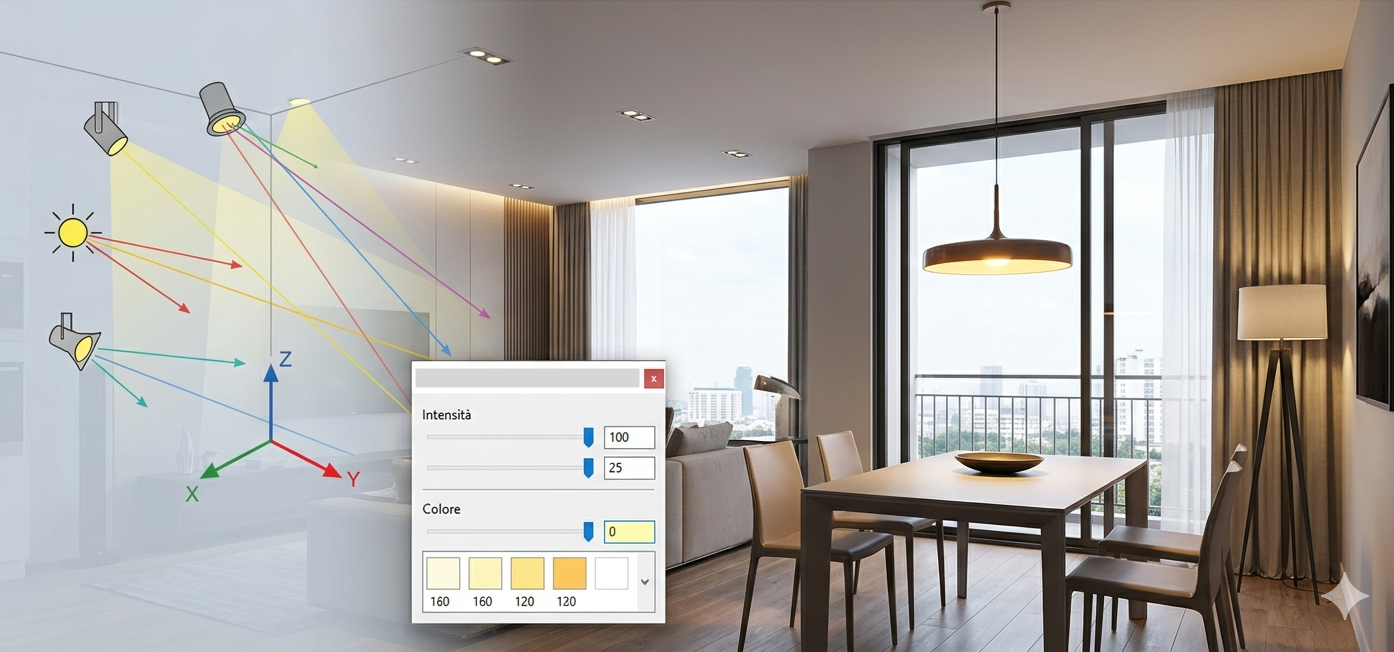
In rendering programs, such as Domus.Cad and others, the final image rendering depends essentially on two factors: light sources, which define how the scene is illuminated, and materials, which determine how light is absorbed, reflected, and scattered by surfaces.
In more advanced rendering systems, such as Domus.Cad’s OspRay advanced rendering, other factors intervene for a more accurate representation of reality.
Light sources
The light sources in Domus.Cad are of three types:
- Directional lights
- Point lights
- Spot lights
- Ambient light
The directional lights
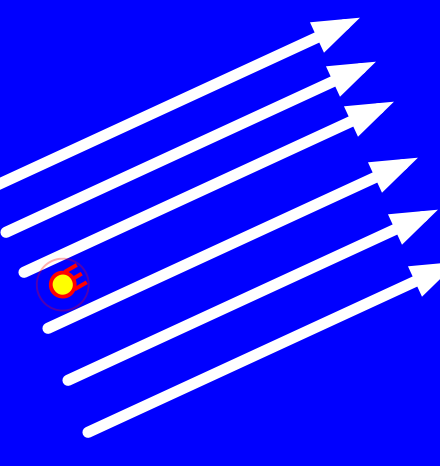
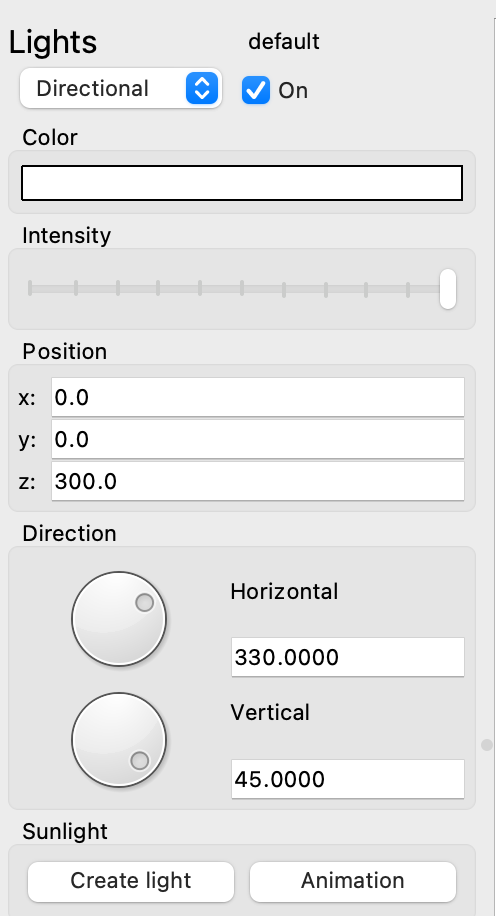
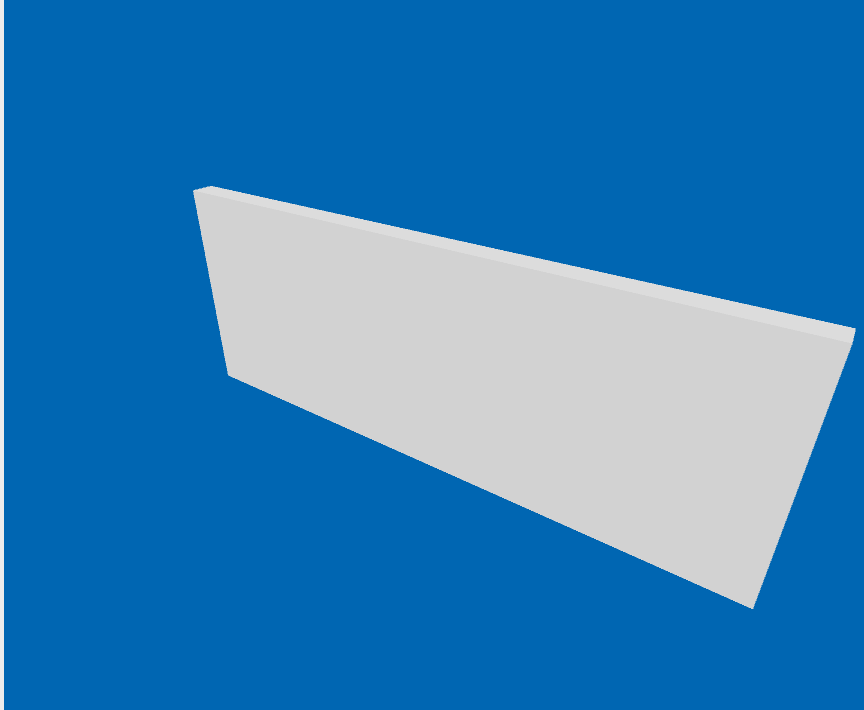
Directional lights scatter parallel rays of light, such as the Sun. Their effect does not depend on their position, but only on their direction and therefore they are practically controlled by the horizontal and vertical directions. They are basically a beam of infinite, parallel rays.
Point lights
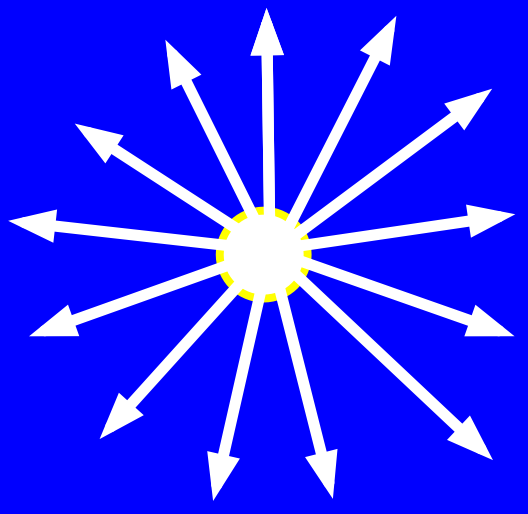
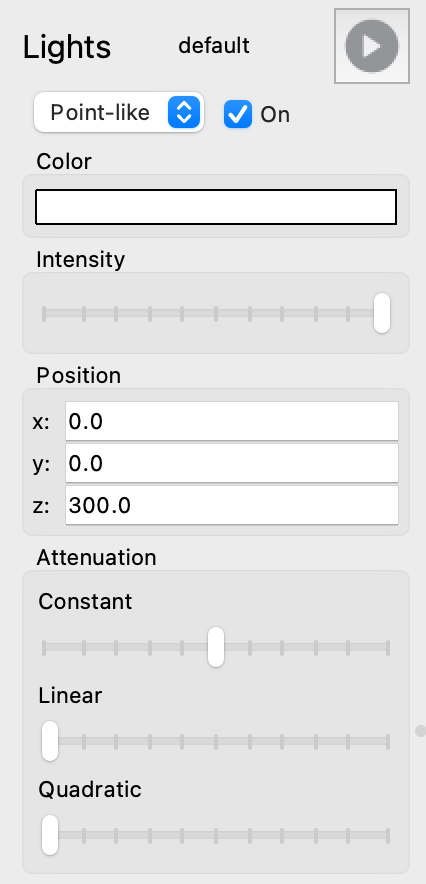
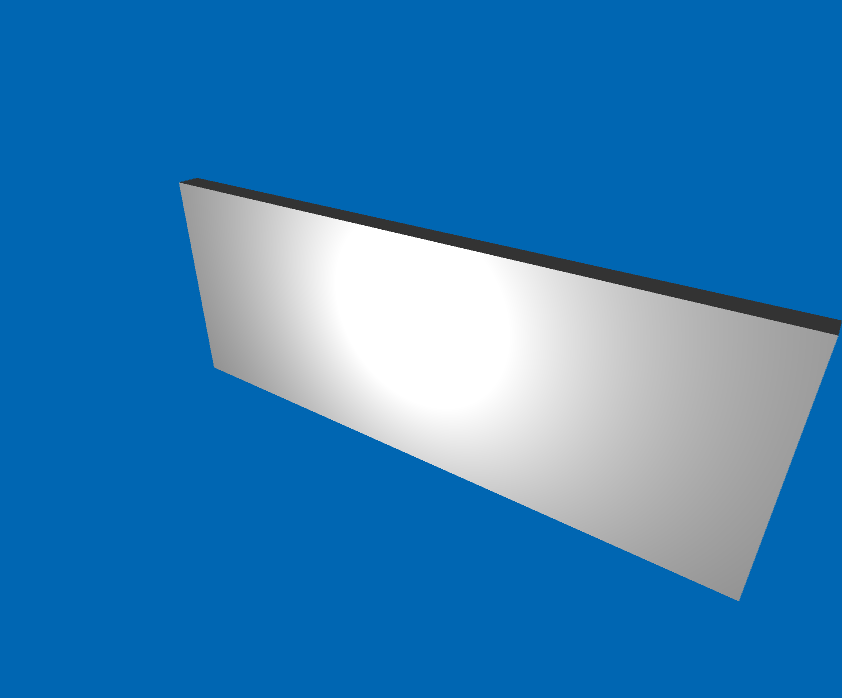
Point lights scatter light in all directions radially. Their effect depends on their position in space. By moving them they hit the surfaces differently
Spot lights
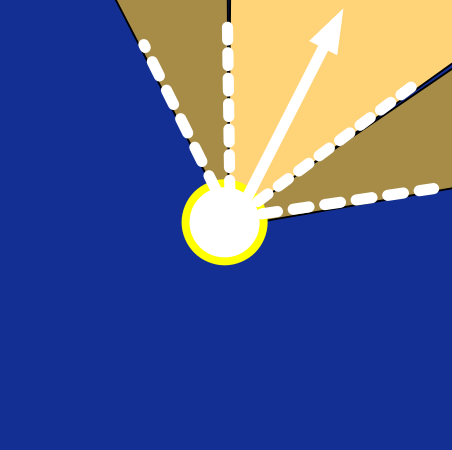
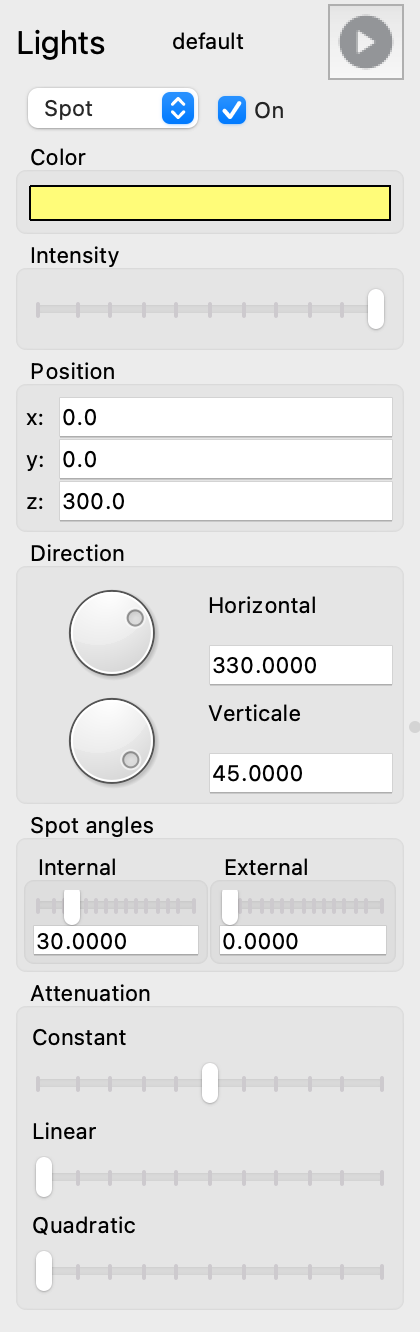
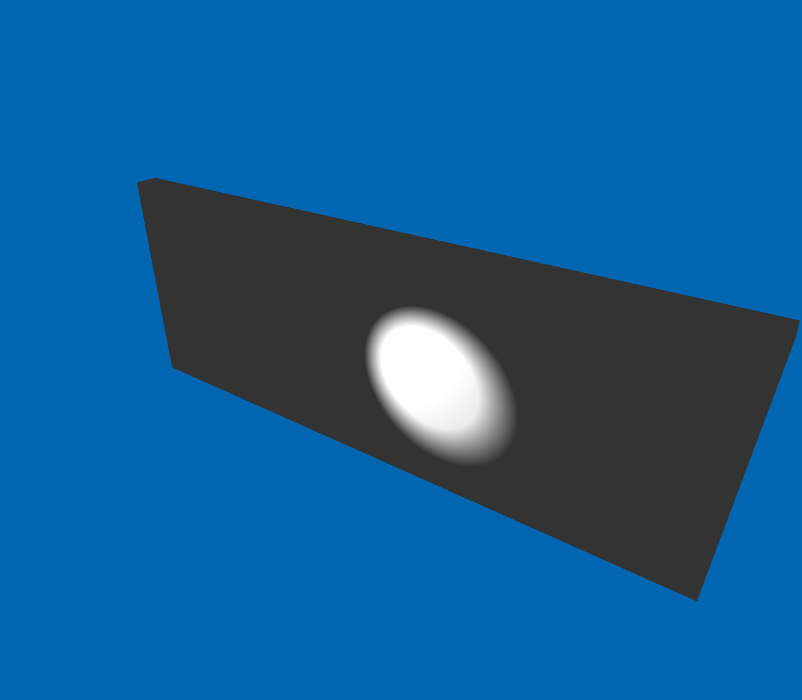
Spot lights resemble a lighthouse, the light is directed towards a certain surface within a circular sector defined by four corners, two corners that define the inner part, where the light has its maximum intensity, is two outer corners, beyond which no light is emitted.
Ambient light
La luce ambiente non ha una sorgente specifica, arriva da ogni direzione e va in ogni direzione, la cosa più simile in natura è la luce diurna di un cielo nuvoloso. La luce ambiente non produce ombre, crea un’illuminazione piatta e si somma a tutte le altre sorgenti luminose.
Attenuation
If the amount of light reaching the elements of a scene is less than the amount emitted, attenuation occurs. The example in nature is attenuation due to air, which is less if the air is clear and greater if it is hazy.
Attenuation is expressed with a coefficient, the attenuation coefficient. Three different coefficients are defined in Domus.Cad:
- Constant. Attenuation does not depend on the distance of the illuminated object from the light source.
- Linear. The attenuation is linearly dependent on the distance of the object illuminated by the light source.
- Square of distance. Light attenuation increases with the square of the distance.
Attenuation is expressed by the Attenuation Coefficient. “0” corresponds to no illumination.
In Domus.Cad
Light management is mainly done via the light panel, which varies in appearance depending on the type of light.
Material
Materials react to light hitting them in four main ways:
- Absorption
- Transparency
- Refraction
- Reflection
Absorption. The light that hits the material is absorbed in whole or in part by the material, if it is all absorbed the material appears black.
Transparency. The transparent material is passed through by the light flux without being reflected or absorbed. Glass is the material that resembles a transparent material.
Refraction.And the part of the light flux that is scattered in all directions, independent of the angle at which the light hits the material.
Reflection.It’s the part of light that’s repelled; the light hits the material and is reflected in a direction opposite to the direction of incidence. That’s exactly what a mirror does.
The end result is a combination of these effects.
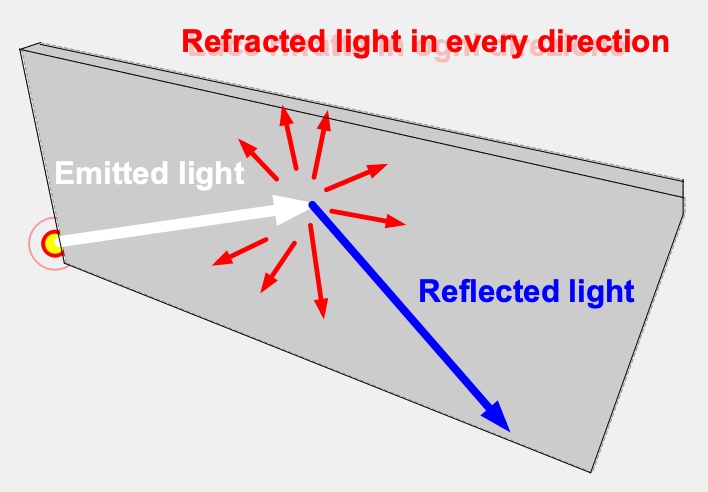
This of course represents a simplified model of reality, but all the main elements of the process are there.
In Domus.Cad
There are two types of materials in Domus.Cad: basic and advanced. Advanced materials are only used in advanced rendering of Domus.Cad. In this article we talk about the basic materials. For more information about advanced rendering an materials see Domus.Cad 26 – Rendering and Clouds >.
Materials are managed in the materials window.
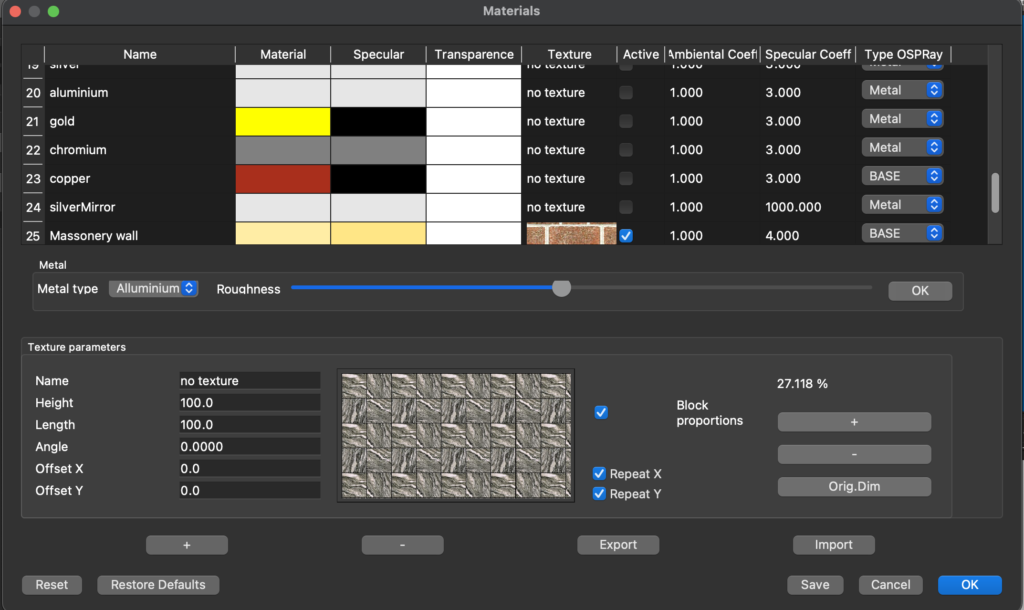
The second column represents the color refracted by the material. By clicking in the box you choose both the color and the transparency percentage.
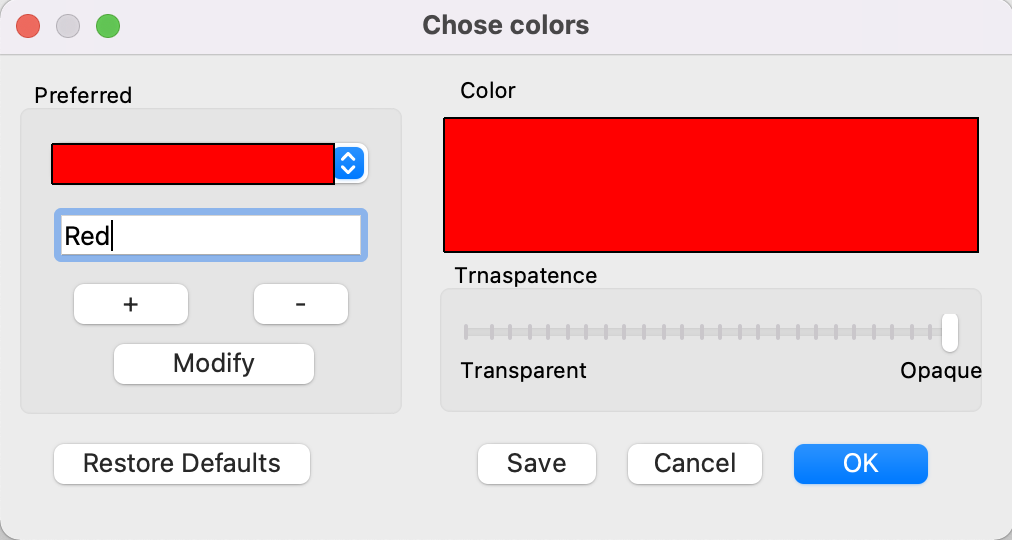
The third column shows the reflected color, that is, the color of the component of the light that is reflected by the material.
Reflected diffuse color setting

Let’s see below how vision is affected by reflected color
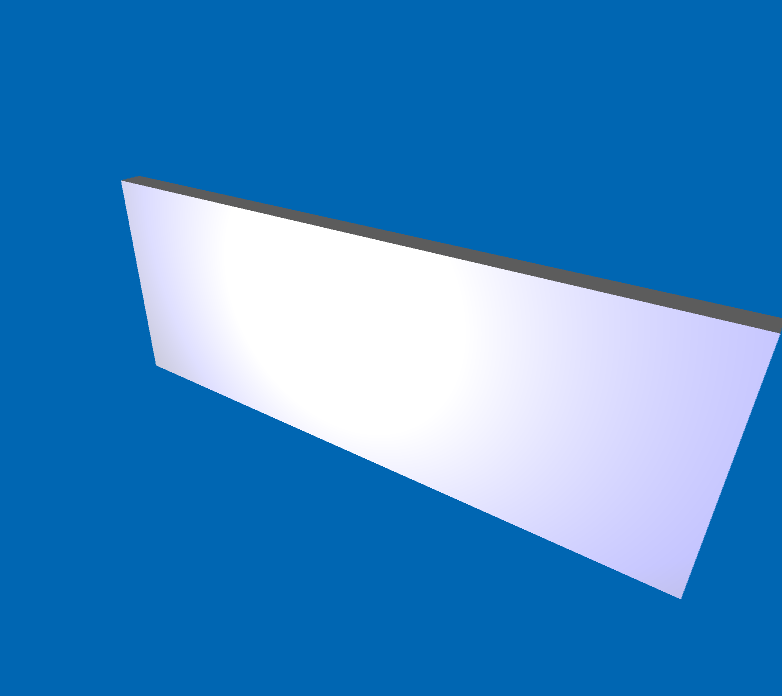
The fourth column shows graphically the degree of transparency of the material. White no transparency, gray or black levels different transparencies, black completely transparent.
Transparency is not defined here, but in the choice of diffuse color, as we have seen above.
A hint of advanced rendering. Advanced rendering of Domus.Cad, based on Ray Tracing techniques, takes into account not only the light from light sources, but also that reflected between elements.
In the figure below we see that the color of the wall has red reflections generated by the light that first hits the floor and then is reflected and hits the wall. For more information on these aspects, see the article Domus.Cad – rendering and clouds ->
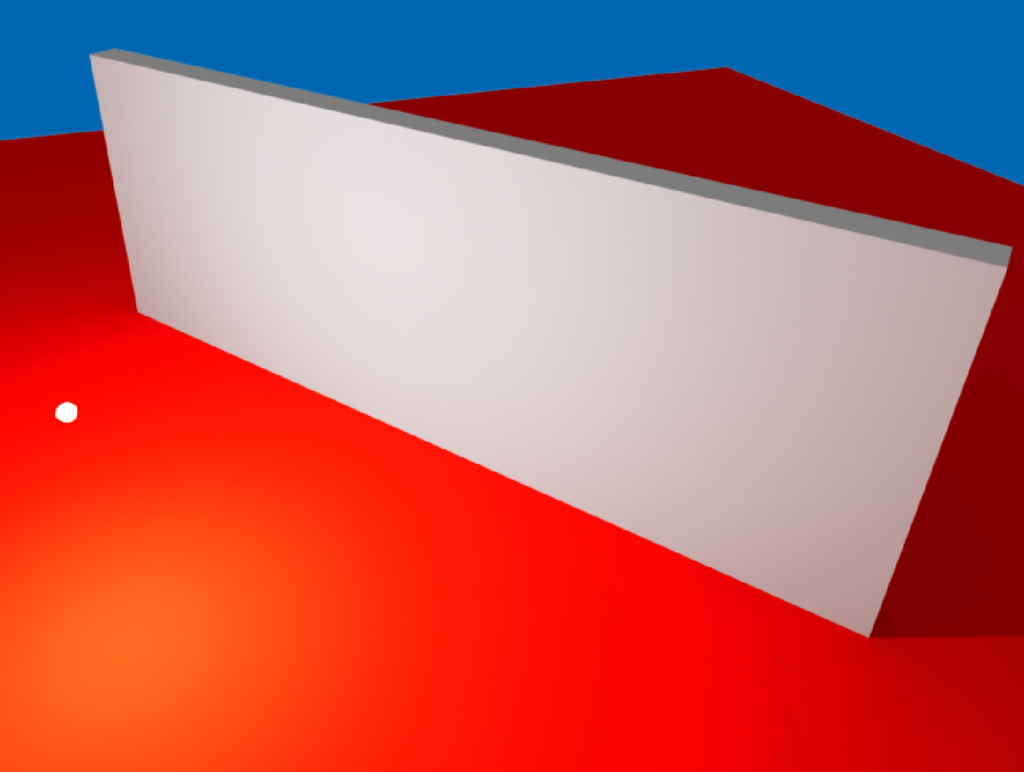 The color of the floor influences the color of the wall.
Special launch promotion for Domus.Cad Pro
More informations:
Related posts


