


Drawing Vectorization: How It Works
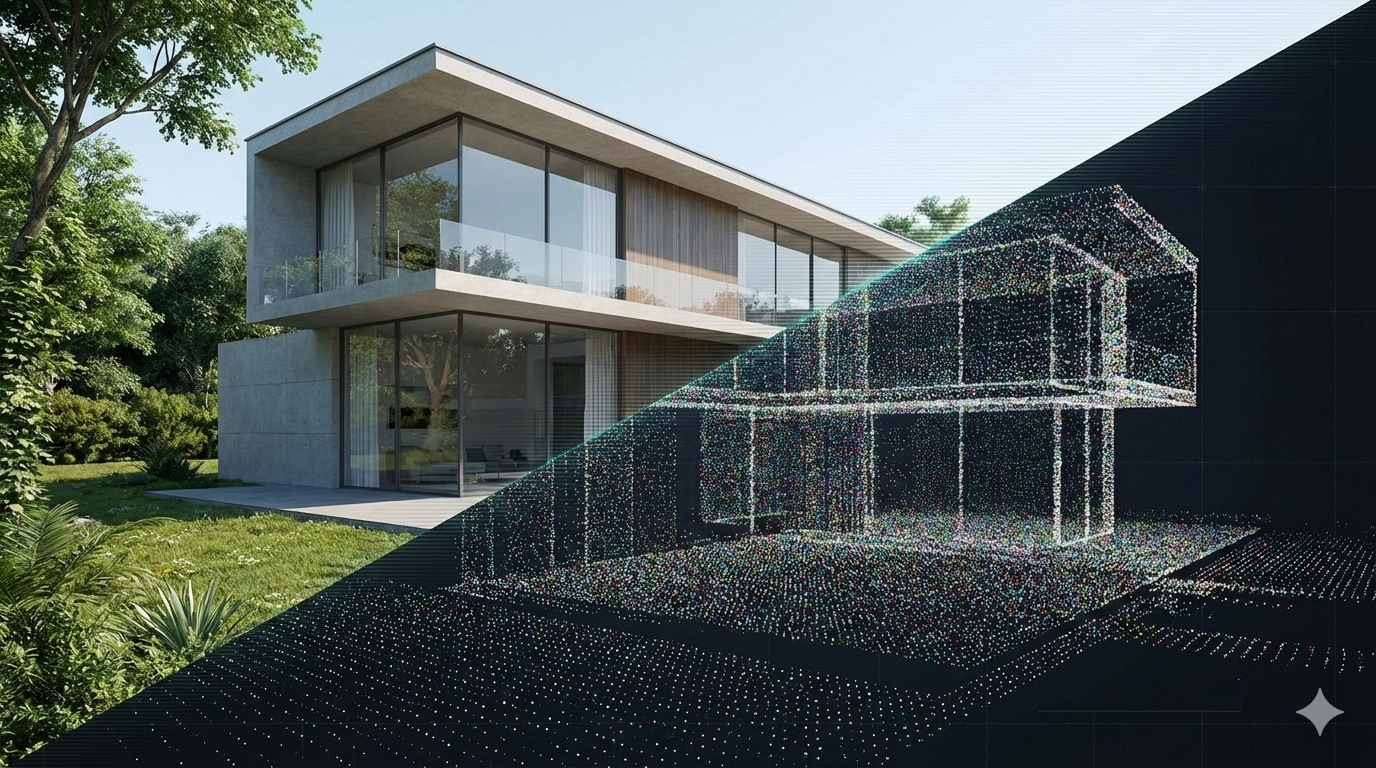
Version 26 of Domus.Cad Pro and Std, the Italian BIM architectural design program, has been released, allowing you to design quickly using the most advanced software technologies.
In this version, the main new features concern the management of advanced rendering and point clouds (Point Clouds). Other new features include image processing, material management, optimization and improvement of existing features, and more.
Clauds Groups
Already in previous versions Domus.Cad had advanced and unique point cloud management.
Architectural or topographical surveys performed with traditional instruments, from the classic metric cord to total stations, are well structured, not detected at random, but precise architectural elements such as edges, vertices, positions, etc. are measured.
Point clouds, on the other hand, do not have a real structure, but only an apparent and visual one. When a laser scanner detects a building it makes no difference between a vertex, an edge or any point in the middle of a wall.
Domus.Cad can organize the point cloud into groups, so that each group can be viewed or not, it can become a new cloud separate and independent of the original relief.
Groups can represent parts of the same building 8e.g. bell tower, nave, apse, walls), parts of a neighborhood (building A, building B, etc.).
It can also represent the entire cloud of points at different densities. For example, from a Point Cloud of 100,000,000 points, I can create a group with a lower point density, which allows me to proceed quickly even with systems that are no faster, and use the full, slower view when all the available detail is needed.
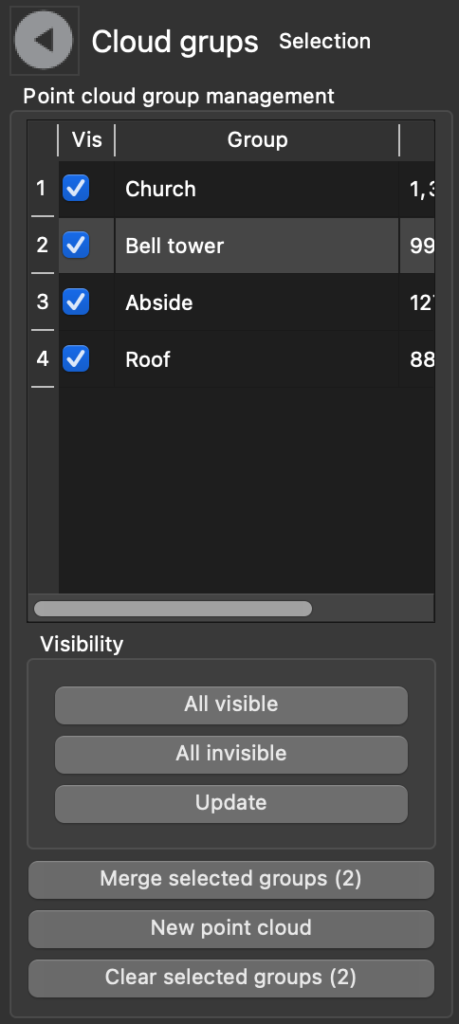
Cloud group table of a church
Here is instead a case where the groups represent the buildings of a neighborhood.
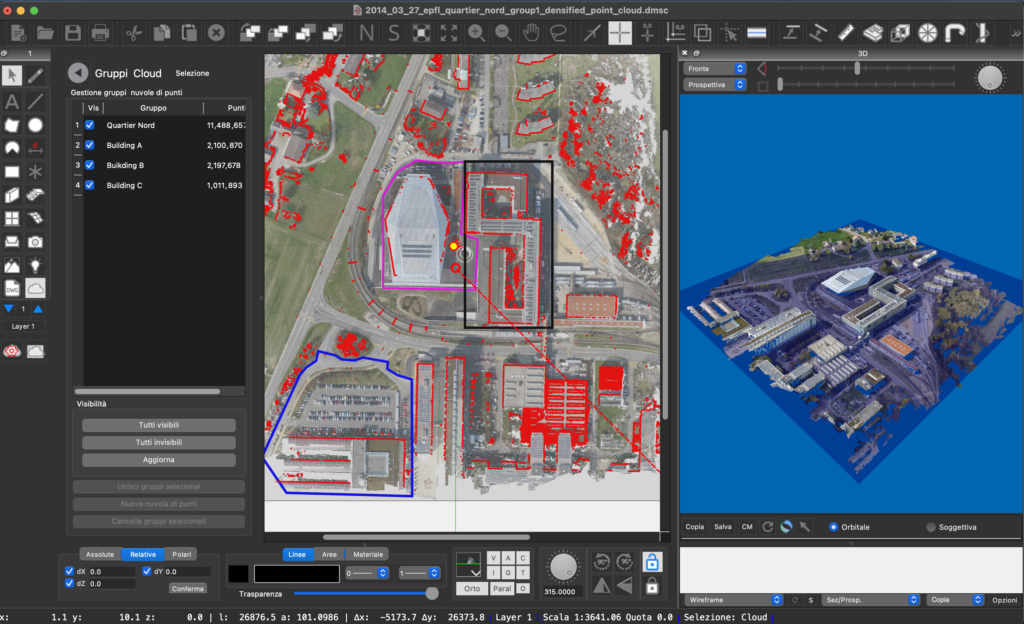
Subdivision into groups of a neighborhood
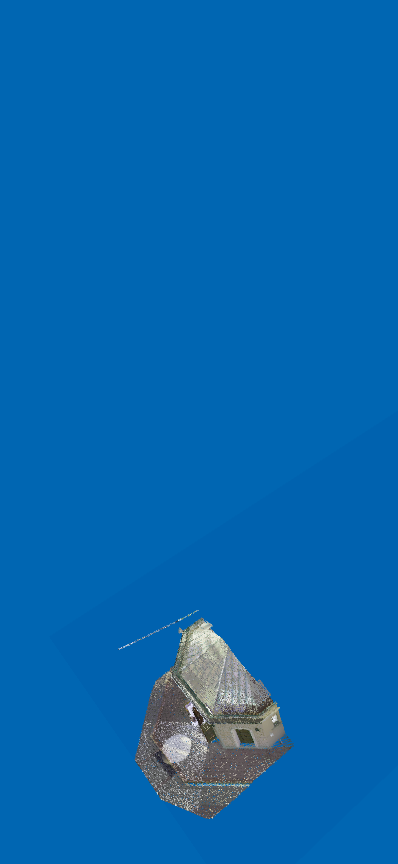
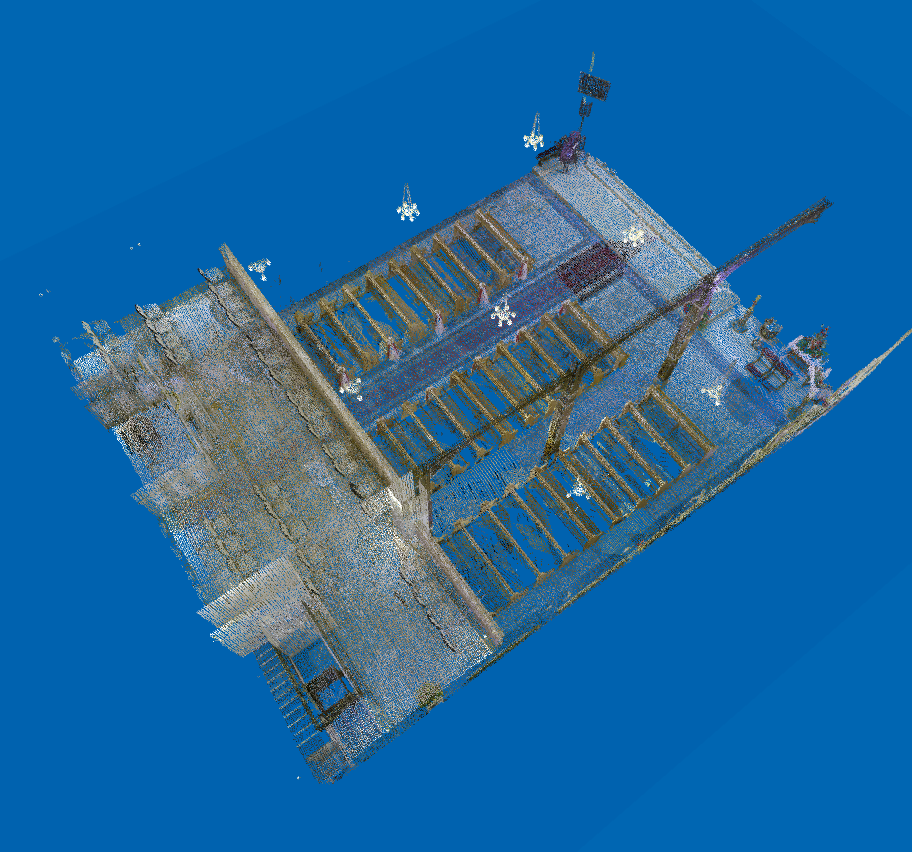
Below we see the entire church and the various separate groups
-
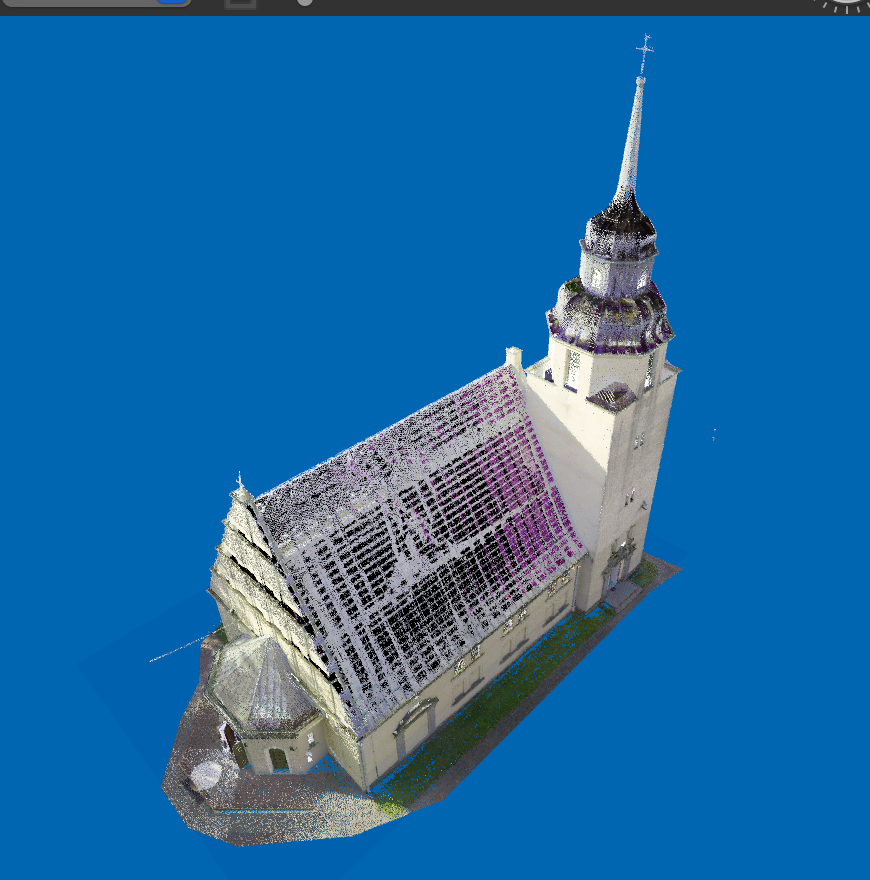
Church -
APSE 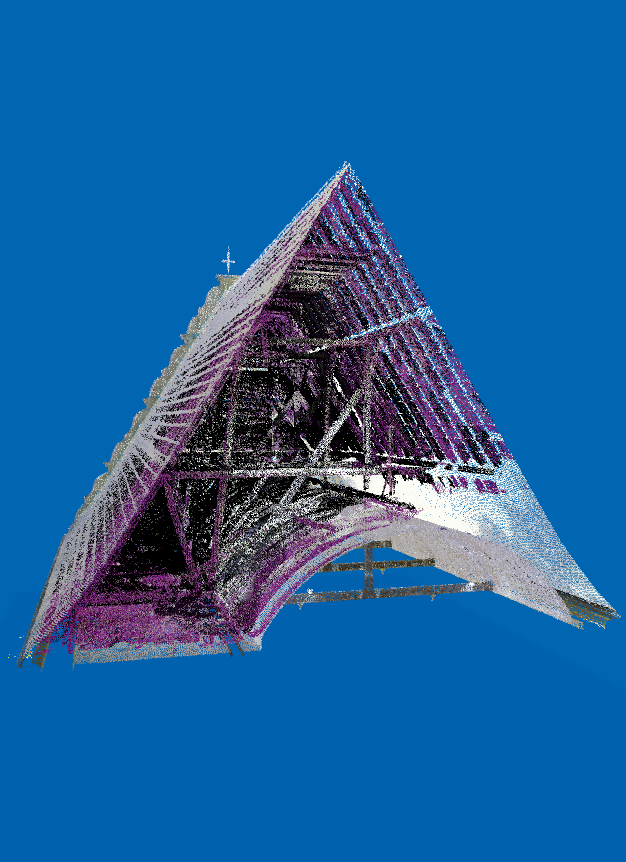
Roof -
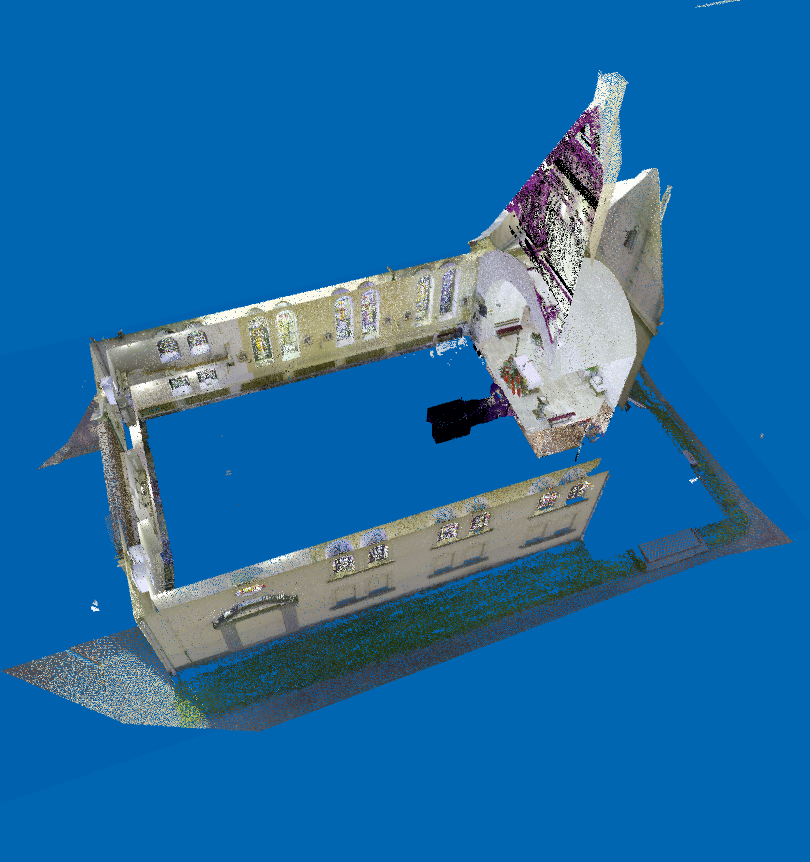
Walls -
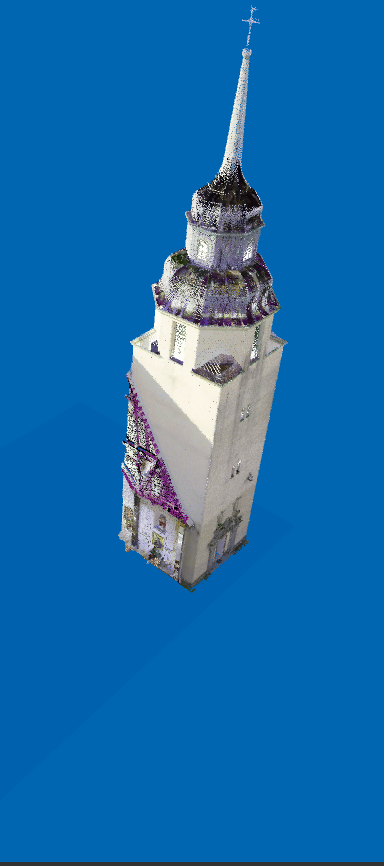
Tower bell
Groups can also be detached from the general point cloud and placed into a new independent cloud.
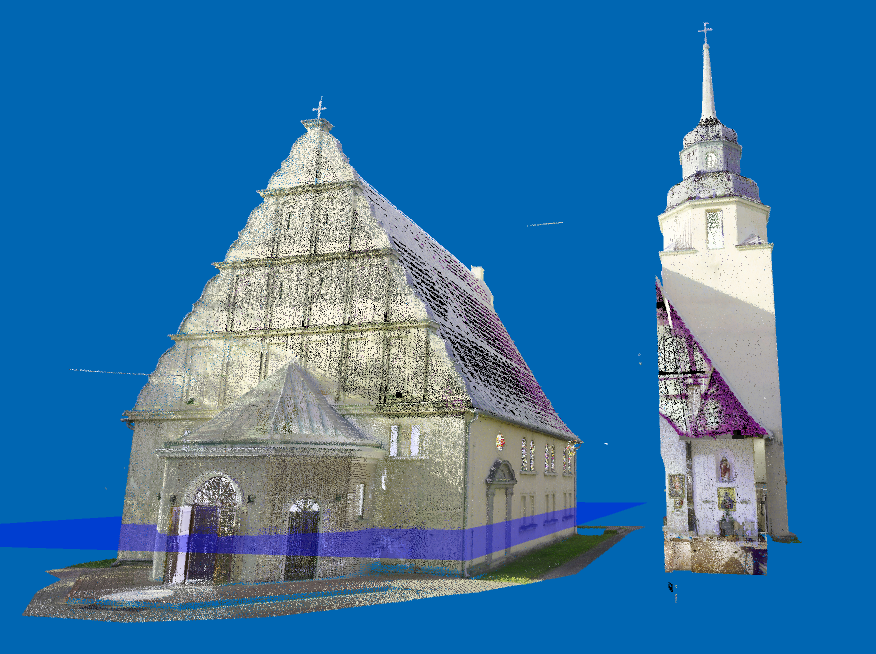
Even in previous versions, Domus.Cad had a series of functions to avoid displaying points that were not needed or that prevented the display of parts that were not currently useful, but the introduction of point groups allows us to focus only on the part being worked on, especially in deriving parametric BIM elements, with a significantly higher operating speed, especially with clouds with many millions of points.
Special materials
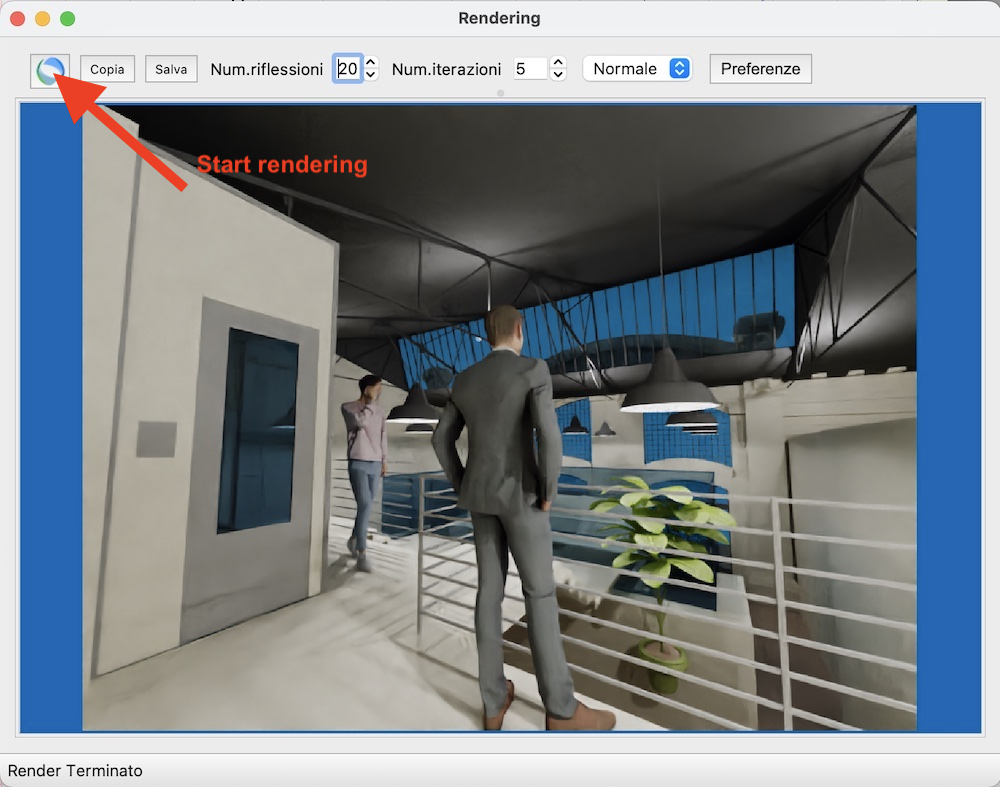
Domus.Cad has 3 different rendering types, summarized in the image below.
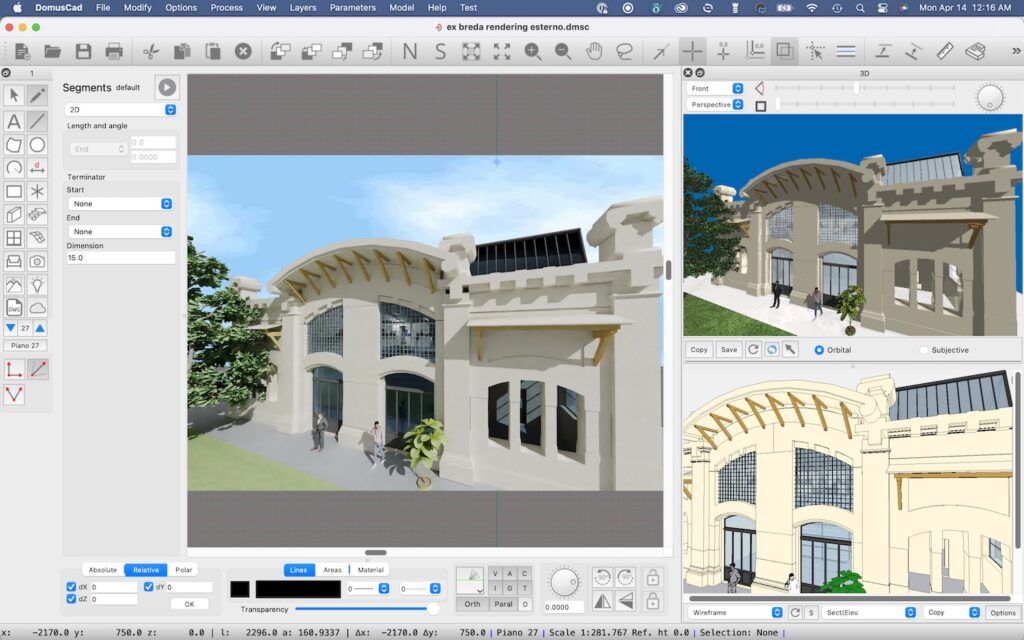
The small window at the top right shows Interactive Rendering, characterized by a great operating speed, which allows you to see in real time everything we do while doing it, allows navigation in the model, creating movies with a medium quality.
The bottom right window contains a Vector Rendering. In this case the program generates a vector design composed of colored polygons. The design can be modified like any other design.
Finally the large image was generated by Advanced Rendering. The quality of this rendering is decided by the designer, by setting the various parameters, the rendering performs various iterations and with each iteration increases the quality. For a detailed description of the features of this rendering engine,
The standard Domus.Cad materials are used in all 3 rendering types, then there are special materials with a series of parameters, for which the display with advanced rendering has a particularly realistic quality.
The figure below features cylinders made of various materials: mirrored silver, satin silver, aluminum, satin gold, dresser, copper, and thin glass. There is also the Luminous material, which emits light
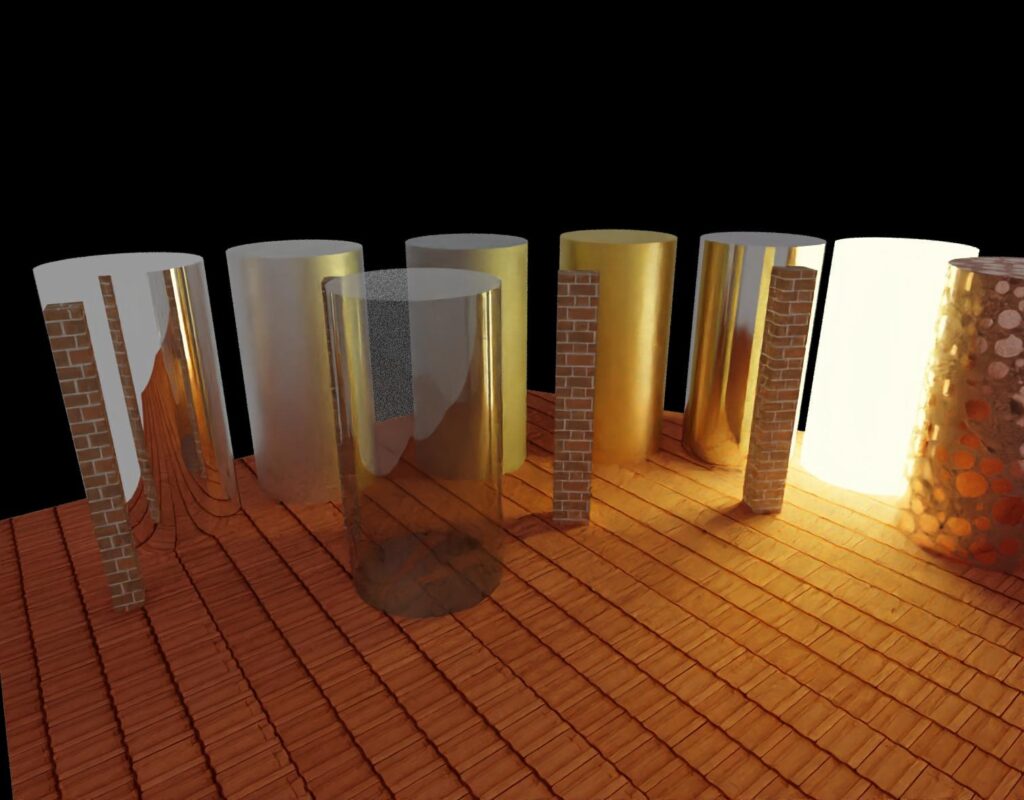
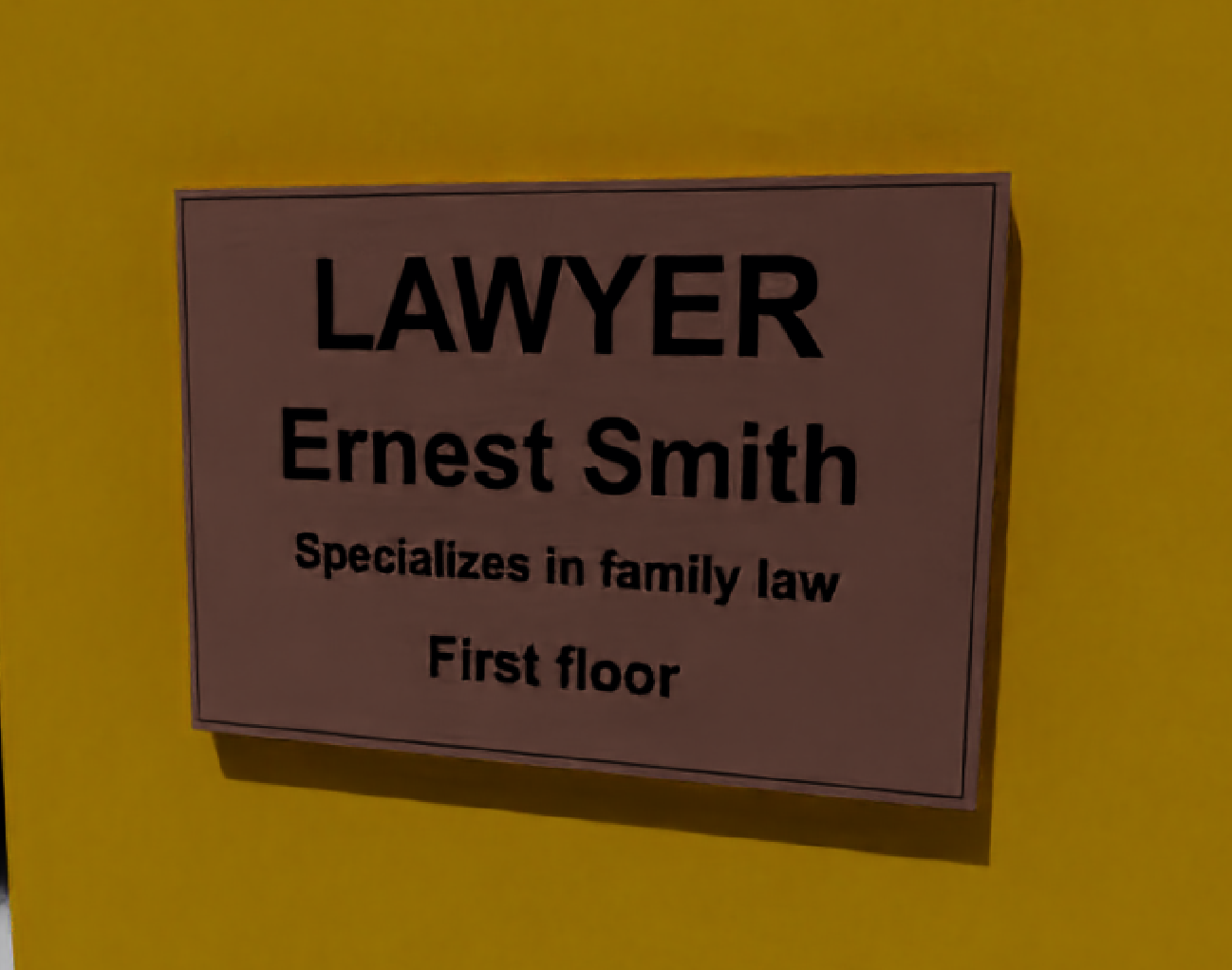
Metals can be engraved using textures containing text, drawings, logos and more. In the figure a copper plate engraved with a text.ww
Change materials
This new feature allows you to quickly modify one material with another throughout the project.
A dialog box presents the list of only the materials actually used, by clicking on a line a menu allows you to replace that material with any other in the library.
This new feature allows you to quickly modify one material with another throughout the project.
A dialog box presents the list of only the materials actually used, by clicking on a line a menu allows you to replace that material with any other in the library.
The list shows all the materials actually used in the project
Image treatment
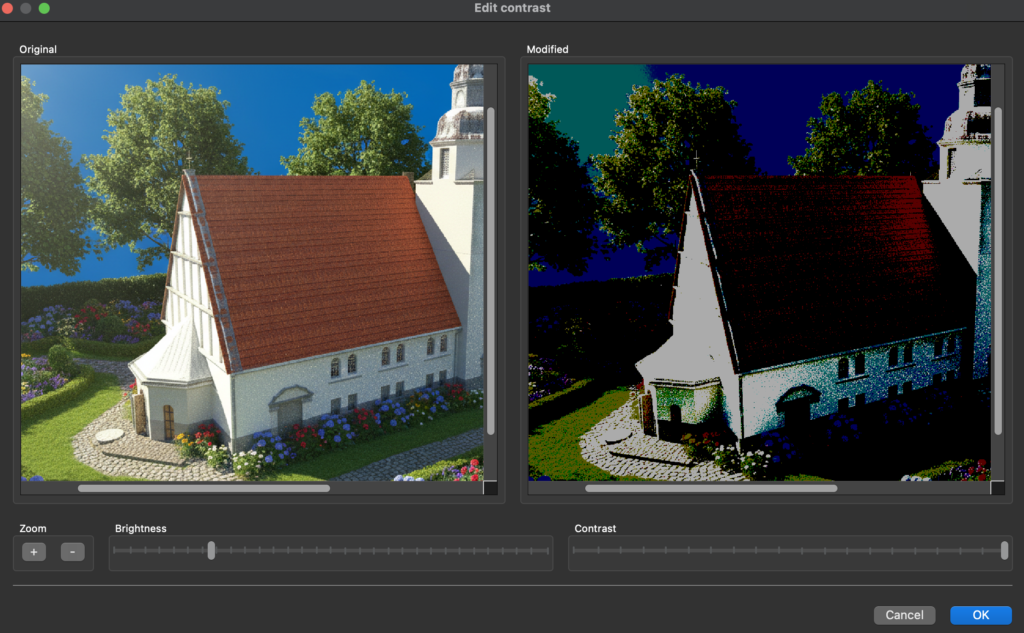
Ale various image processing functions + contrast and brightness modification has been added.
Special launch promotion for Domus.Cad Pro
More informations:
Related posts


